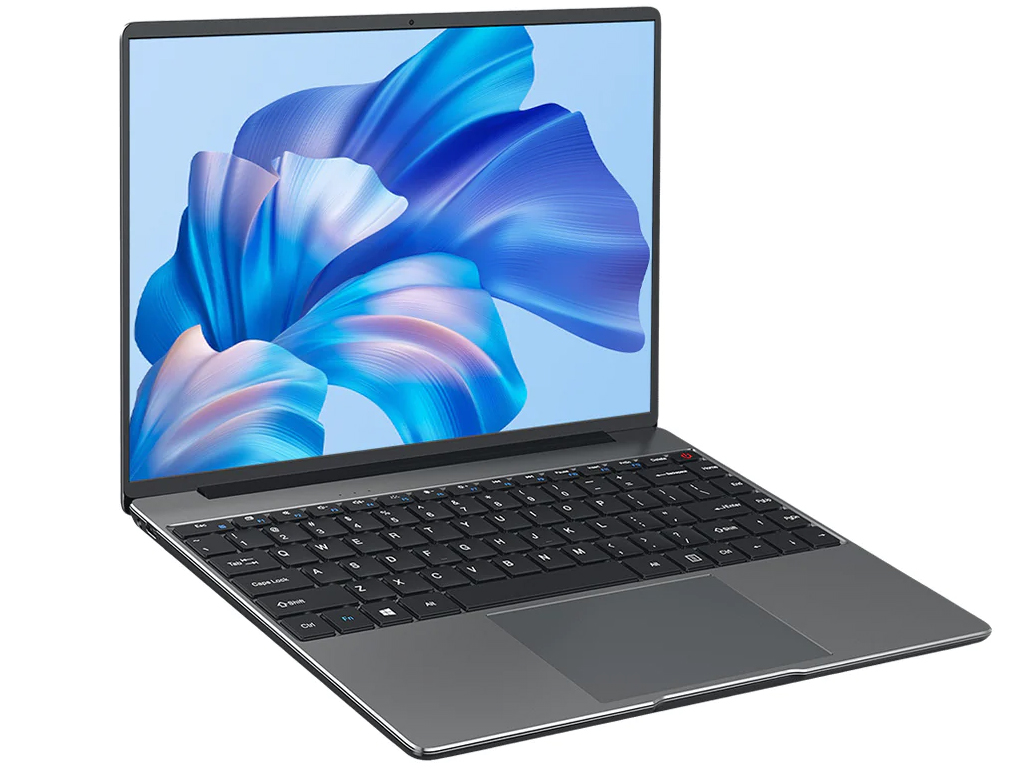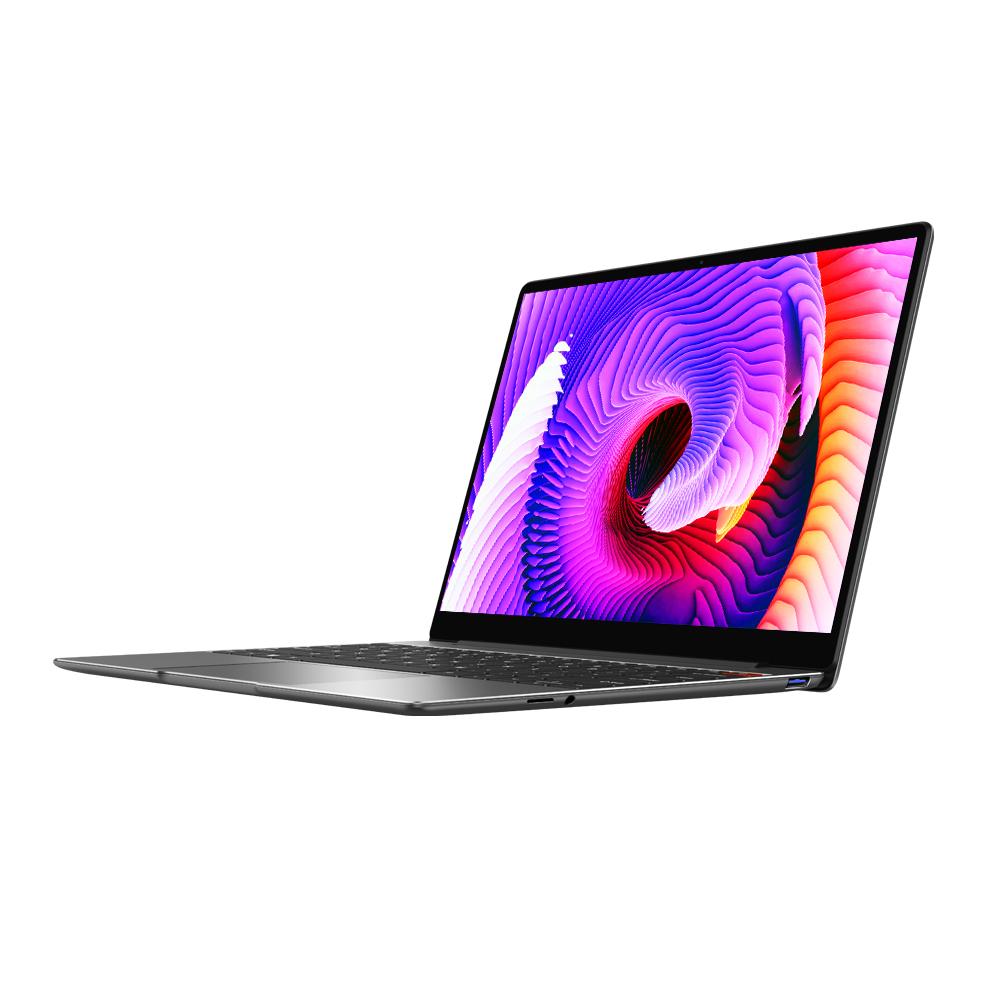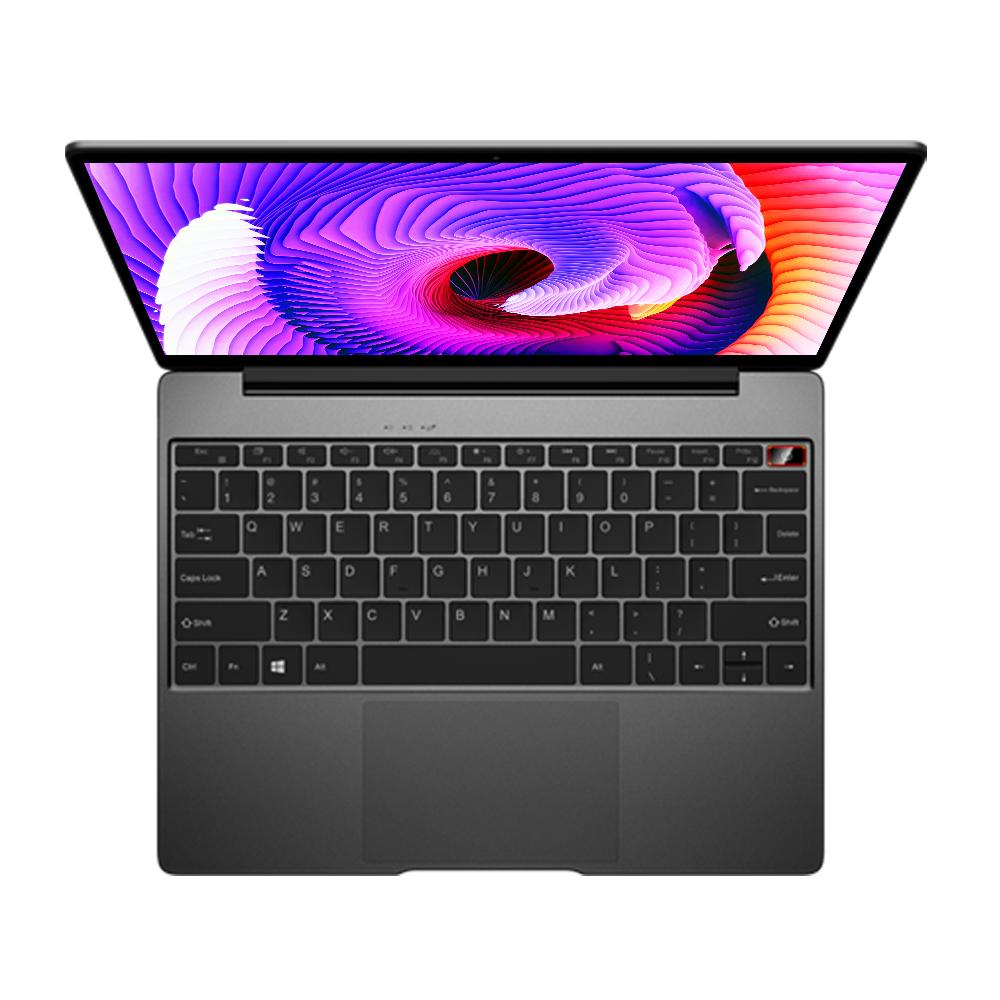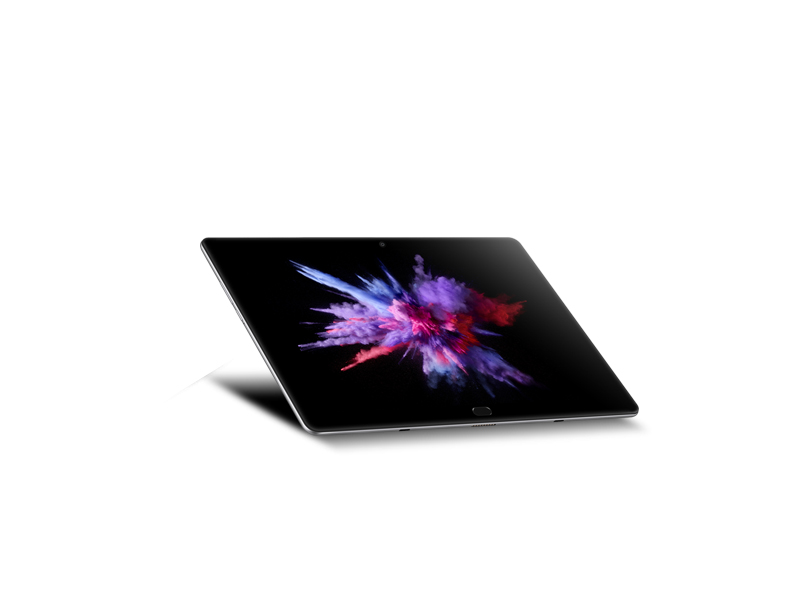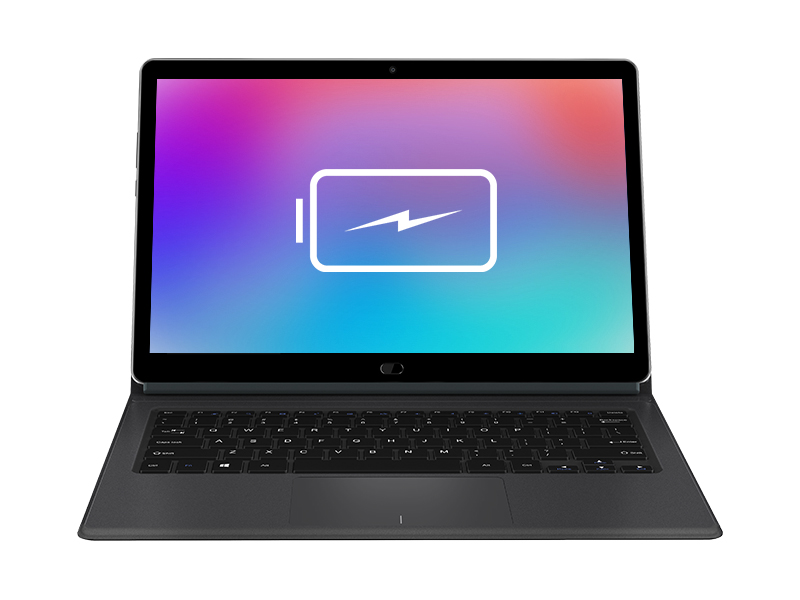




Chuwi CoreBook Széria
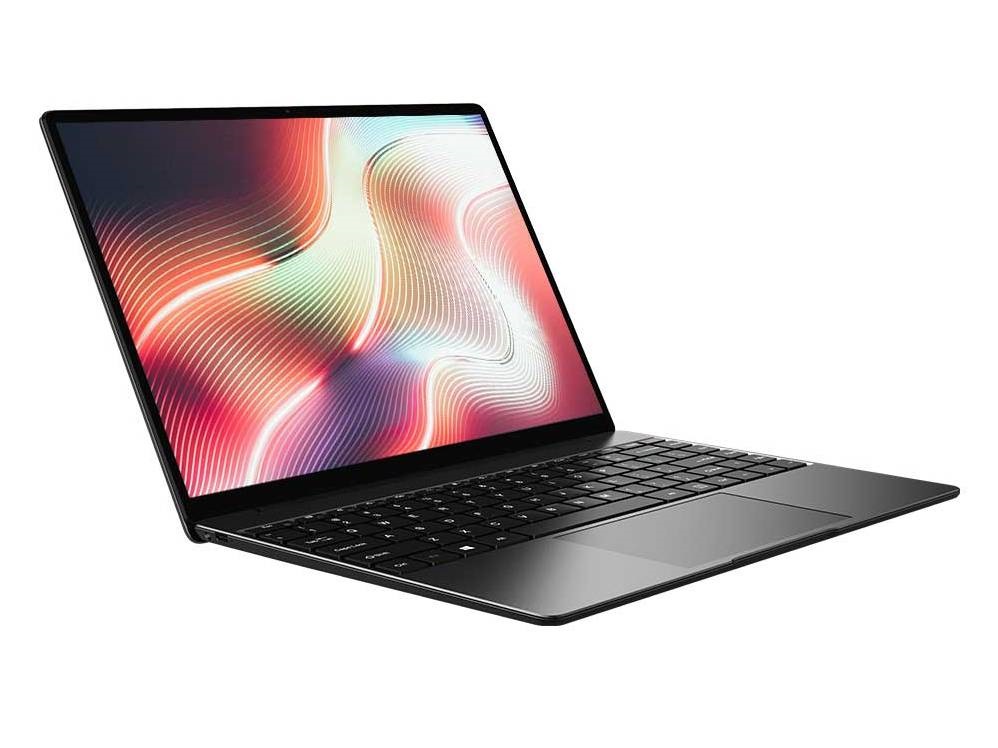 Processzor: AMD Cezanne (Zen 3, Ryzen 5000) R5 7430U, AMD Rembrandt (Zen 3+) R5 6600H, Intel Alder Lake-M i5-1235U, Intel Alder Lake-P i5-12450H, Intel Coffee Lake i5-8259U, Intel Core i3 6157U, Intel Kaby Lake m3-7Y30
Grafikus Adapter: AMD Radeon 660M, AMD Vega 7, Intel HD Graphics 615, Intel Iris Graphics 550, Intel Iris Plus Graphics 655, Intel Iris Xe G7 80EUs, Intel UHD Graphics Xe G4 48EUs
Kijelző: 13.30 hüvelyk, 14.00 hüvelyk, 15.60 hüvelyk, 16.00 hüvelyk
Súly: 1.016kg, 1.05kg, 1.34kg, 1.35kg, 1.36kg, 1.385kg, 1.495kg, 1.7kg, 1.811kg
Ár: 399, 540, 549, 559, 600 euro
Átlag 17 pontszámok (kezdő érték 41 tesztek)
Chuwi CoreBook 13
Specifikációk
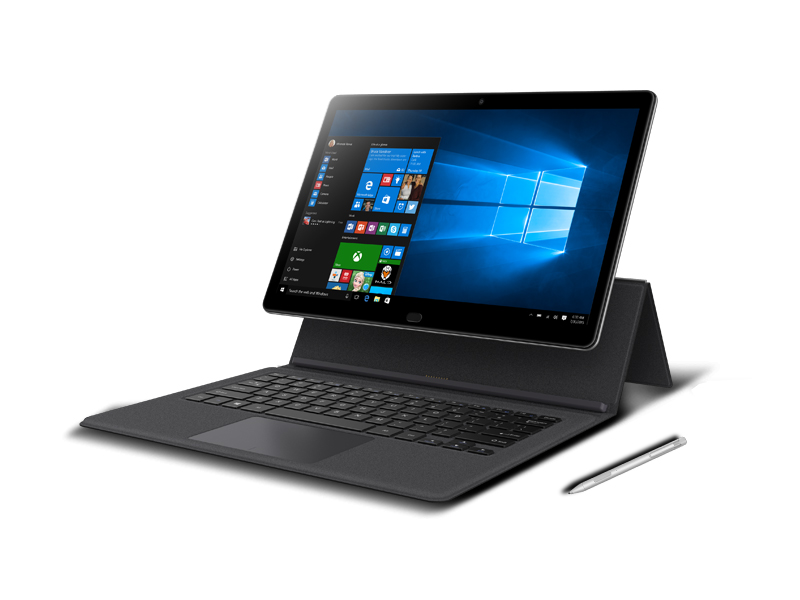 Noteszgép: Chuwi CoreBook 13
Processzor: Intel Kaby Lake m3-7Y30
Grafikus Adapter: Intel HD Graphics 615
Kijelző: 13.30 hüvelyk, 16:9, 1920 x 1080 pixel
Súly: 1.05kg
Ár: 600 euro
Hivatkozások: Chuwi honlap
Price comparison
Külföldi tesztek
Forrás: Igeekphone
 EN→HU Archive.org version
Chuwi CoreBook takes 7th generation Intel Core M3 Kaby Lake processor, registered at a maximum frequency of 2.6GHz, no doubt with windows 10 OS along with 8GB of RAM on board ensures fluid performance in addition to 128GB eMMC 5.1 storage too. Resumed by Intel HD Graphics 615, it supports 4K videos and 3D games. In general, with the specifications mentioned on board, you should not find any inconvenience with the performance of the tablet. Kindly note that CHUWI is now offering super early bird price on the CoreBook campaign. You can get a CoreBook tablet at a price of $399, and if you want the package with the keyboard and the Pen, you will have to pay $430. Back your CoreBook at.
Egyéni teszt, online elérhetőség, Rövid, Dátum: 12/20/2017
Chuwi CoreBook X
Specifikációk
Noteszgép: Chuwi CoreBook XProcesszor: Intel Coffee Lake i5-8259U
Grafikus Adapter: Intel Iris Plus Graphics 655
Kijelző: 14.00 hüvelyk, 3:2, 2160 x 1440 pixel
Súly: 1.495kg
Ár: 540 euro
Hivatkozások: Chuwi honlap
Price comparison
Tesztek
The CoreBook X is a good solution for those who want to maximize display quality and colors for a budget price. Nonetheless, there are a bunch of smaller details that buyers should be aware of.
Külföldi tesztek
Forrás: TechTablets
Archive.org versionEgyéni teszt, online elérhetőség, Nagyon hosszú, Dátum: 05/24/2021
Forrás: Mi Mundo Gadget
 ES→HU Archive.org version
Egyéni teszt, online elérhetőség, Közepes, Dátum: 10/03/2021
Chuwi CoreBook Pro 13
Specifikációk
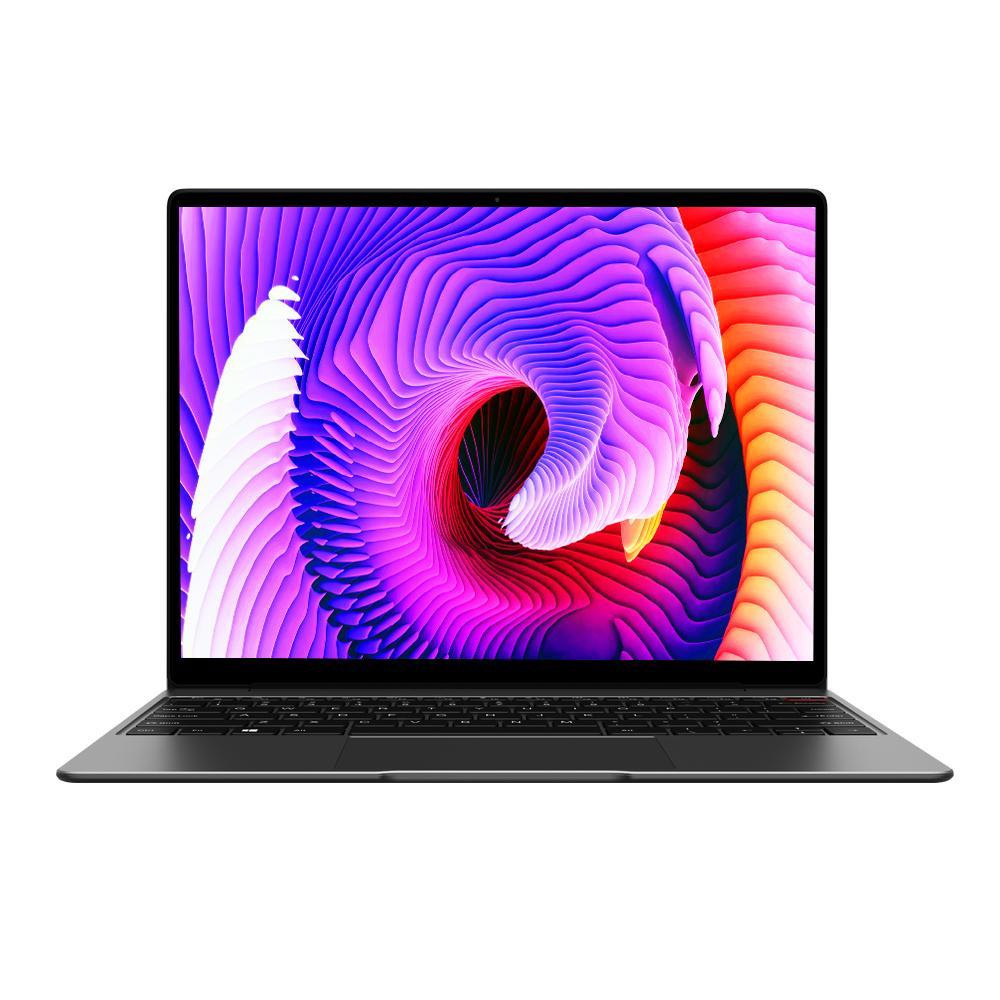 Noteszgép: Chuwi CoreBook Pro 13
Processzor: Intel Core i3 6157U
Grafikus Adapter: Intel Iris Graphics 550
Kijelző: 13.30 hüvelyk, 3:2, 2160 x 1440 pixel
Súly: 1.34kg
Hivatkozások: Chuwi honlap
Price comparison
Külföldi tesztek
Forrás: TechTablets
Archive.org versionEgyéni teszt, online elérhetőség, Nagyon hosszú, Dátum: 03/20/2021
Forrás: Pplware
 PT→HU Archive.org version
Egyéni teszt, online elérhetőség, Hosszú, Dátum: 05/21/2021
Chuwi CoreBook X Pro
Specifikációk
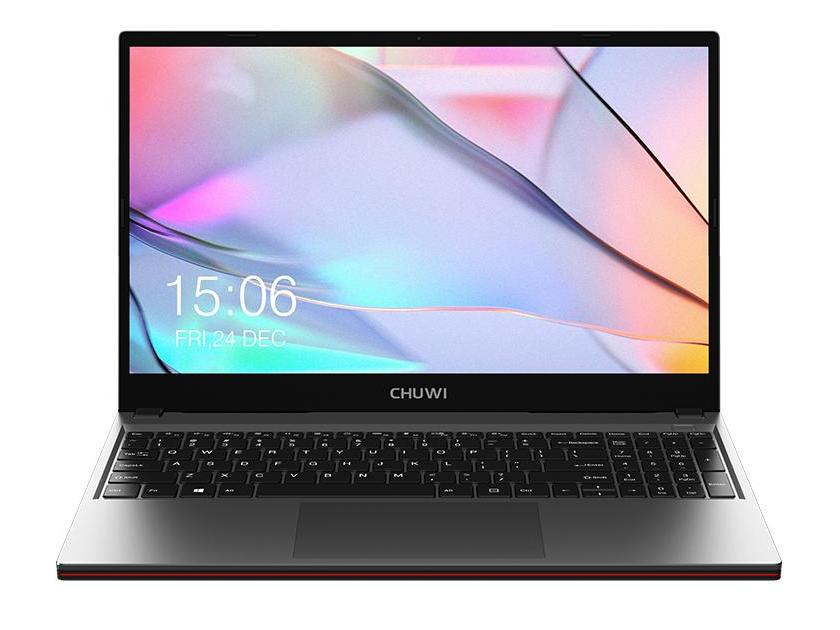 Noteszgép: Chuwi CoreBook X Pro
Processzor: Intel Coffee Lake i5-8259U
Grafikus Adapter: Intel Iris Plus Graphics 655
Kijelző: 15.60 hüvelyk, 16:9, 1920 x 1080 pixel
Súly: 1.811kg
Ár: 559 euro
Hivatkozások: Chuwi honlap
Price comparison
Átlagos pontszám:
Tesztek
The CoreBook X Pro is the least expensive 15.6-inch laptop you can find with a 120 Hz panel. The catch, however, is you'll have to deal with substantial cut corners to major aspects of the system.
Külföldi tesztek
Forrás: Hubwood
Egyéni teszt, online elérhetőség, Nagyon hosszú, Dátum: 12/16/2023
Forrás: Make Use Of
EN→HU Archive.org versionChuwi's design team built a laptop that successfully competes with large manufacturers. Unfortunately, the lack of a dedicated graphics card means its 120Hz display won't live up to its potential for gaming. But none of that is terrible, given its price. Unfortunately, what is terrible is that Chuwi requires you to pay ship-in costs to China on returns. But if you can stomach its warranty, Chuwi's CoreBook is the best laptop under $500 for productivity and for video playback. However, there are laptops for $750 and 800 which also have 120Hz displays and a discrete graphics card, which I would advise buying instead if it's within your budget.
Egyéni teszt, online elérhetőség, Hosszú, Dátum: 11/30/2021
Értékelés: Összpontszám: 79%
Forrás: Awaqua
EN→HU Archive.org versionAfter one week of testing the new model of the Chuwi Corebook X Pro gaming laptop, I was left with both positive and negative emotions. Of the advantages, the device stands out for the presence of good materials used. Also, the laptop case was well assembled and executed. In addition, I liked the performance of the processor, both in real life and in synthetic tests. You can also easily install additional RAM and built-in memory in the device. The backlit keyboard will definitely not be a superfluous feature, as well as the presence of a full-fledged SD card slot. I also liked the battery life with a good 70 Wh of capacity and fast charging. But the main disadvantage for me was the screen, since the color gamut was not the best in its class. Other than that, I didn’t really like the maximum screen brightness of 230 nits. The device also made a little noise under heavy loads and tasks. At the same time, the quality of sound and webcam did not have the best indicators.
Egyéni teszt, online elérhetőség, Nagyon hosszú, Dátum: 09/24/2021
Forrás: TechTablets
Archive.org versionChuwi Corebook XPro unboxing and review. 15.6" 144hz IPS, Core i5 8259U laptop with upgradable RAM and empty SATA3 SSD slot. 8GB DDR 2400Mhz with 512GB Kingston NVMe drive.
Egyéni teszt, online elérhetőség, Nagyon hosszú, Dátum: 09/10/2021
Chuwi Corebook X 2023
Specifikációk
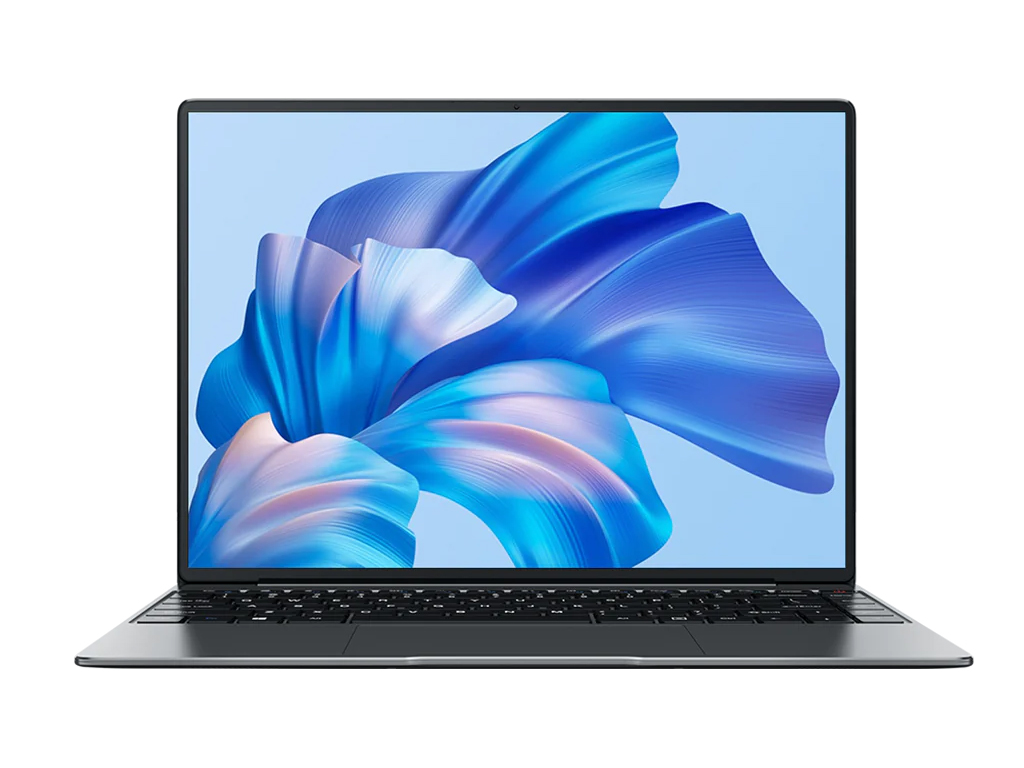 Noteszgép: Chuwi Corebook X 2023
Processzor: Intel Alder Lake-M i5-1235U
Grafikus Adapter: Intel Iris Xe G7 80EUs
Kijelző: 14.00 hüvelyk, 3:2, 2160 x 1440 pixel
Súly: 1.36kg
Hivatkozások: Chuwi honlap
Price comparison
Átlagos pontszám:
Külföldi tesztek
Forrás: Techradar
EN→HUThis platform appears to have been stymied by Intel before it was even made. With no USB 3.2 ports or Thunderbolt ports and poor battery life, I have difficulty recommending this for frontline use.
Egyéni teszt, online elérhetőség, Hosszú, Dátum: 02/17/2025
Értékelés: Összpontszám: 60% ár: 60% teljesítmény: 50% jellegzetességek: 50% összeszerelés: 60%
Forrás: Igeekphone
EN→HUReturning to the initial question – is the Chuwi Corebook X a worthwhile upgrade over the Corebook Pro? Priced at just $400, the Pro competes favorably with Chromebooks and some Windows notebooks at its configuration level, making it one of the best laptops in its price range. However, at $500, the Corebook X faces stiffer competition. Does the improved CPU and extra RAM justify the higher cost? In essence, the Corebook X remains an excellent purchase at $500, offering performance on par or superior to the competition, especially in aspects like display quality and typing experience.
Egyéni teszt, online elérhetőség, Közepes, Dátum: 12/09/2023
Chuwi Corebook X Pro i5-12450H
Specifikációk
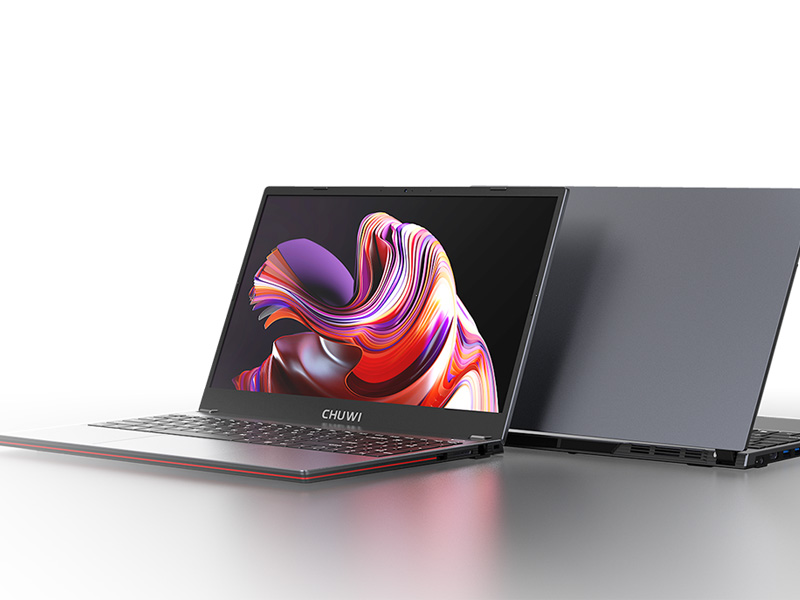 Noteszgép: Chuwi Corebook X Pro i5-12450H
Processzor: Intel Alder Lake-P i5-12450H
Grafikus Adapter: Intel UHD Graphics Xe G4 48EUs
Kijelző: 15.60 hüvelyk, 16:9, 1920 x 1080 pixel
Súly: 1.7kg
Hivatkozások: Chuwi honlap
Price comparison
Külföldi tesztek
Forrás: El chapuzas Informatico
ES→HUEgyéni teszt, online elérhetőség, Nagyon hosszú, Dátum: 02/24/2025
Forrás: HKEPC
 zh-TW→HU
Egyéni teszt, online elérhetőség, Hosszú, Dátum: 09/19/2024
Chuwi CoreBook X, i5-12450H
Specifikációk
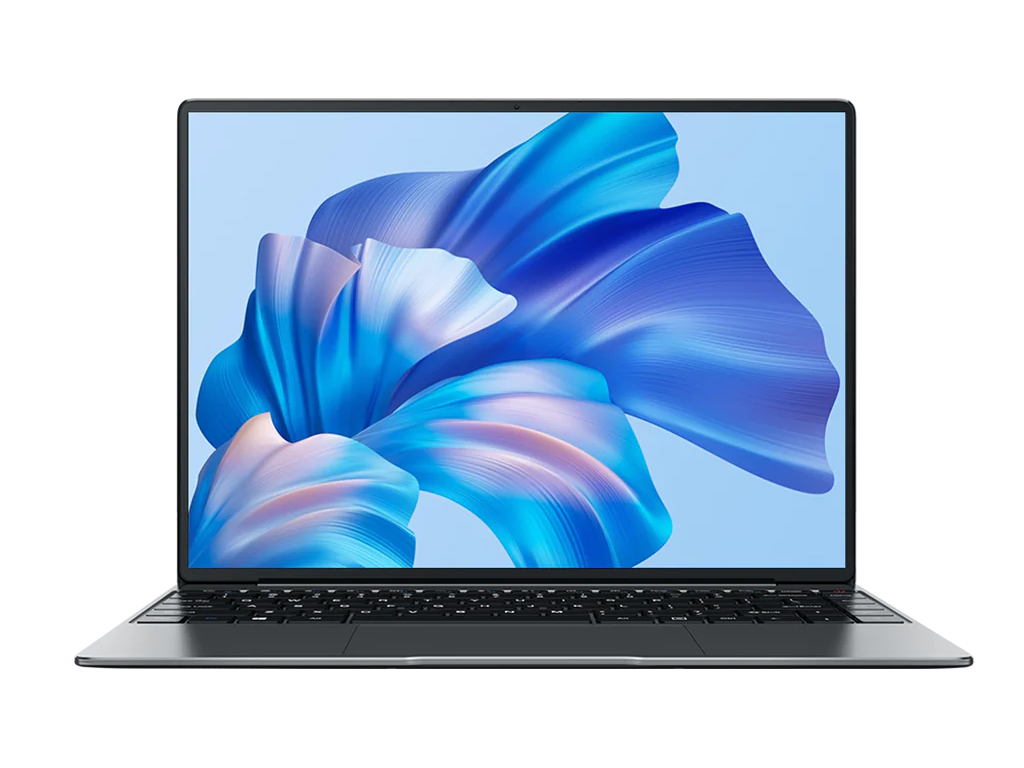 Noteszgép: Chuwi CoreBook X, i5-12450H
Processzor: Intel Alder Lake-P i5-12450H
Grafikus Adapter: Intel UHD Graphics Xe G4 48EUs
Kijelző: 14.00 hüvelyk, 3:2, 2160 x 1440 pixel
Súly: 1.36kg
Hivatkozások: Chuwi honlap
Price comparison
Átlagos pontszám:
Külföldi tesztek
Forrás: Yugatech
EN→HUOverall, the Chuwi Corebook X is a great work laptop if you are looking for something on a budget. It can easily run your productivity apps and more. While you can’t exactly play a lot of games, it can handle some of the lighter titles. The only thing you will have to worry about is the battery life. For most productivity laptops of this size, you’ll typically have around 7-8 hours of battery at your disposal. As for the Corebook X, it’s only half of that. Still, this laptop is something you can consider if you just want a laptop for getting work done on a budget. After all, the Corebook X with the AMD Ryzen 5 CPU retails for just PHP 25,990. It’s one of the most affordable 14-inch laptops on the market with a relatively new chipset. If you find the performance lacking, there is a variant powered by an Intel Core i9-13900HK available. However, that’s a lot more expensive, retailing at over PHP 40,000, and for a different review altogether.
Egyéni teszt, online elérhetőség, Hosszú, Dátum: 09/27/2025
Forrás: Geektopia
ES→HUEgyéni teszt, online elérhetőség, Nagyon hosszú, Dátum: 03/30/2025
Értékelés: Összpontszám: 80%
Forrás: Pplware
PT→HUEgyéni teszt, online elérhetőség, Közepes, Dátum: 06/17/2025
Forrás: 4G News
PT→HUEgyéni teszt, online elérhetőség, Közepes, Dátum: 05/04/2025
Értékelés: Összpontszám: 90%
Forrás: Android Geek
PT→HUEgyéni teszt, online elérhetőség, Közepes, Dátum: 04/15/2025
Értékelés: Összpontszám: 83% ár: 100% teljesítmény: 80% kijelző: 90% mobilitás: 70% ergonómia: 70%
Chuwi CoreBook X
Specifikációk
Noteszgép: Chuwi CoreBook XProcesszor: AMD Cezanne (Zen 3, Ryzen 5000) R5 7430U
Grafikus Adapter: AMD Vega 7
Kijelző: 14.00 hüvelyk, 3:2, 2160 x 1440 pixel
Súly: 1.385kg
Ár: 399 euro
Hivatkozások: Chuwi honlap
Price comparison
Átlagos pontszám:
Tesztek
A Chuwi CoreBook X AMD Ryzen 5 7430U-val azoknak a felhasználóknak szól, akik megbízható notebookot keresnek irodai, tanulmányi és mindennapi alkalmazásokhoz - méghozzá tisztességes áron. De vajon mennyire teljesít a kompakt, 14 hüvelykes készülék a gyakorlati használatban? Tesztünkben közelebbről is megvizsgáljuk jellemzőit, teljesítményét és mindennapi használatra való alkalmasságát.
Forrás: Napidroid

Egyéni teszt, online elérhetőség, Közepes, Dátum: 11/29/2025
Külföldi tesztek
Forrás: Techradar
EN→HUThe Chuwi CoreBook X 7430U improves on the original Chuwi CoreBook X by better utilising the PCIe lanes and featuring a superior integrated GPU. And, with a modest investment, it can be made even better. The limitations of such an inexpensive laptop for business use are the lack of biometric security and the annoying hidden screws designed to make otherwise easy upgrades more difficult.But for a student or someone who only occasionally needs a laptop, there are plenty of good things in this extremely cheap package. But budgeting for the extra RAM ($75) and a branded 1TB Gen 3 SSD ($100) does make it slightly less of a bargain.The question any potential customer needs to ask is: How long do laptops typically last in your business, and will the Chuwi CoreBook X 7430U make the grade? For those with employees who don’t throw hardware around like frisbees, this is a perfectly workable solution for those wanting to keep the budget low.
Egyéni teszt, online elérhetőség, Közepes, Dátum: 12/21/2025
Értékelés: Összpontszám: 70% ár: 70% teljesítmény: 70% jellegzetességek: 60% összeszerelés: 60%
Forrás: Yugatech
Egyéni teszt, online elérhetőség, Hosszú, Dátum: 09/30/2025
Forrás: El chapuzas Informatico
ES→HUEgyéni teszt, online elérhetőség, Nagyon hosszú, Dátum: 09/03/2025
Forrás: Geektopia
ES→HUEgyéni teszt, online elérhetőség, Nagyon hosszú, Dátum: 09/02/2025
Értékelés: Összpontszám: 80%
Forrás: Pplware
PT→HUEgyéni teszt, online elérhetőség, Közepes, Dátum: 11/15/2025
Forrás: Tik Gadget
 JA→HU
JA→HUEgyéni teszt, online elérhetőség, Hosszú, Dátum: 12/04/2025
Chuwi CoreBook Air
Specifikációk
Noteszgép: Chuwi CoreBook AirProcesszor: AMD Rembrandt (Zen 3+) R5 6600H
Grafikus Adapter: AMD Radeon 660M
Kijelző: 14.00 hüvelyk, 16:10, 1920 x 1200 pixel
Súly: 1.016kg
Ár: 549 euro
Hivatkozások: Chuwi honlap
Price comparison
Átlagos pontszám:
Tesztek
A Chuwi CoreBook Air AMD Ryzen 5 6600H-val a mobilitás, a mindennapi teljesítmény és a hosszabb munkamenetekhez jól használható matt IPS-kijelző kiegyensúlyozott keverékét kínálja. A 16 GB RAM-mal és NVMe SSD-vel kombinálva az eredmény egy kompakt összcsomag, amely elsősorban a költségvetés-orientált felhasználóknak szól, akik könnyű noteszgépet keresnek irodai, webes és multimédiás feladatokra.
Külföldi tesztek
Forrás: Digital Trends
EN→HUThe Intel-powered 2026 refresh of the Chuwi CoreBook Air is a reliable pick for anyone who wants a premium ultraportable laptop without nuking their bank account. Currently up for grabs at $750, the amount of value packed into this sleek aluminum chassis is staggering. For the vast majority of budget-conscious buyers who want a high-end build quality and a meaningful selection of computing must-haves, the CoreBook Air is a triumph and one of the easiest budget recommendations I’ve made in a while.
Egyéni teszt, online elérhetőség, Közepes, Dátum: 07/28/2026
Értékelés: Összpontszám: 70%
Forrás: Andrew Marc David
Egyéni teszt, online elérhetőség, Nagyon hosszú, Dátum: 07/02/2026
Forrás: TechTablets
Egyéni teszt, online elérhetőség, Nagyon hosszú, Dátum: 06/29/2026
Forrás: Neowin
EN→HUThe CHUWI CoreBook Air 14 is a good laptop if you can get it with a discount (use our "NEOWINAIR" promo code to get an extra 13% off). Lightweight, well-built, with a good set of ports, and a nice display.
Egyéni teszt, online elérhetőség, Közepes, Dátum: 02/28/2026
Értékelés: Összpontszám: 75%
Forrás: Yugatech
EN→HUOverall, the Chuwi Corebook Air is a decent laptop for those who want to carry light, literally. Put it in your bag, and it won’t feel like anything’s there. Even if you carry it around all day, it won’t be heavy at all. In addition, it also features decent performance, allowing users to work and play light games.
Egyéni teszt, online elérhetőség, Hosszú, Dátum: 02/11/2026
Forrás: Techradar
EN→HUThere is definitely a certain look and style about the latest range of slimline lightweight 14-inch laptops, and once again, with the CoreBook Air, you get a decent mid-range CPU with integrated GPU, which has been proven to power through everyday tasks as well as light multimedia editing and gaming, as long as you don’t push it too hard.
Egyéni teszt, online elérhetőség, Közepes, Dátum: 02/09/2026
Értékelés: Összpontszám: 80% ár: 80% teljesítmény: 80% összeszerelés: 80%
Forrás: Yugatech
Egyéni teszt, online elérhetőség, Hosszú, Dátum: 01/28/2026
Forrás: Andrew Marc David
Egyéni teszt, online elérhetőség, Nagyon hosszú, Dátum: 01/13/2026
Forrás: Heise
 DE→HU
DE→HUEgyéni teszt, online elérhetőség, Rövid, Dátum: 06/28/2026
Értékelés: Összpontszám: 70%
Forrás: Profesional Review
ES→HUEgyéni teszt, online elérhetőség, Nagyon hosszú, Dátum: 01/23/2026
Értékelés: Összpontszám: 81% ár: 90% teljesítmény: 60% kijelző: 70% mobilitás: 90% összeszerelés: 90%
Forrás: El chapuzas Informatico
ES→HUEgyéni teszt, online elérhetőség, Nagyon hosszú, Dátum: 01/14/2026
Forrás: Quotidiano Hardware Upgrade
 IT→HU
IT→HUEgyéni teszt, online elérhetőség, Nagyon hosszú, Dátum: 03/03/2026
Chuwi Corebook Air Plus
Specifikációk
Noteszgép: Chuwi Corebook Air PlusProcesszor: AMD Rembrandt (Zen 3+) R5 6600H
Grafikus Adapter: AMD Radeon 660M
Kijelző: 16.00 hüvelyk, 16:10, 1920 x 1200 pixel
Súly: 1.35kg
Hivatkozások: Chuwi honlap
Price comparison
Átlagos pontszám:
Külföldi tesztek
Forrás: WinFuture
DE→HUEgyéni teszt, online elérhetőség, Nagyon rövid, Dátum: 08/04/2026
Forrás: Geektopia
ES→HUEgyéni teszt, online elérhetőség, Közepes, Dátum: 01/26/2026
Értékelés: Összpontszám: 85%
Forrás: 4G News
PT→HUEgyéni teszt, online elérhetőség, Rövid, Dátum: 02/21/2026
Értékelés: Összpontszám: 90%
Forrás: Pplware
PT→HUEgyéni teszt, online elérhetőség, Nagyon rövid, Dátum: 01/28/2026
Hozzászólás
Chuwi:
Intel HD Graphics 615:
Integrált grafikus gyorsító, amely egyes Y-sorozatú Kaby Lake processzorokon található. 4,5 Wattos TDP értékéhez 24 végrehajtó egység (EU, avagy Execution Unit) társul dedikált video memória nélkül.
Intel Iris Plus Graphics 655:
Intel Iris Graphics 550:
Intel Iris Xe G7 80EUs:
Integrált grafikus kártya az Intel Tiger Lake G7 SoC-kben, amelyek az új 12. generációs architektúrán alapulnak, 80 EU-val (Execution Units / Shader Cluster). Az órajel a processzormodelltől függ. A Tiger Lake lapkák az Intel modern, 10 nm+ eljárással készülnek.
Intel UHD Graphics Xe G4 48EUs:
AMD Vega 7:
AMD Radeon 660M:
» További információt talál a Grafikus Adapterek Összehasonlításában és a kapcsolódó Benchmarkokban.
Intel Kaby Lake:
m3-7Y30:
Különlegesen hatékony Kaby Lake-es ULV SoC (lapkakészlet, System-on-a-Chip) tabletek és ventilátorok nélküli notebookok számára. Két Hyper-Threading képes, 1.0-2.6 GHz-es CPU magot tartalmaz, valamint egy videochipet is. 14 nm technológiával, és FinFET tranzisztorokkal készült.
Intel Coffee Lake:
Intel Core i3:
Intel Alder Lake-M:
i5-1235U:
Kétmagos mobil APU, amely két Zen 2 magot használ 2,4-3,7 GHz-es órajelen, beleértve az SMT-t (4 szál).
Intel Alder Lake-P:
i5-12450H: Alde Lake alapú mobil CPU 4 teljesítményű és 4 hatékony maggal. A teljesítménymagok hipersebességes szálkezelést kínálnak, ami 12 feldolgozható szálat eredményez. A CPU 1,5 és 4,4 GHz közötti órajelen működik, és támogatja a vPro-t.
AMD Cezanne (Zen 3, Ryzen 5000):
R5 7430U: Mobil hatmagos APU Zen 3 magokkal, 2,3-4,3 GHz-es órajelen, valamint Vega grafikus adapterrel, 7 CU-val, legfeljebb 1800 MHz-es órajelen. Azonos a régi Ryzen 5 5625U-val.
AMD Rembrandt (Zen 3+):
R5 6600H: Mobil Hexa-Core APU hat Zen 3+ maggal, amelyek 3,3 és 4,5 GHz közötti órajelen működnek, valamint egy RDNA2 grafikus kártya 6 CU-val, amely akár 1900 MHz-es órajelen működik.
» További információt talál a Mobil Processzorok Összehasonlításában.
» Hogy megtudja milyen felbontással rendelkezik a kijelző, látogassa meg a DPI Listánk.
No weight comment found (one expected)!
78.13%: No rating comment found (one expected)!
» További információt találhat a Noteszgép Vásárlási Útmutatónkban.
 Add as a preferred source on Google